Generate an activation link
Reviewed on · View on GitHub
For the first sign-in or as part of resetting the authentication details, a new activation link is generated. This link is sent by email to the address provided when the user was created.
Permissions
This action requires the following IAM (Identity and Access Management) permissions:
- iam.user.recover
- Console
- API
- Terraform
Console
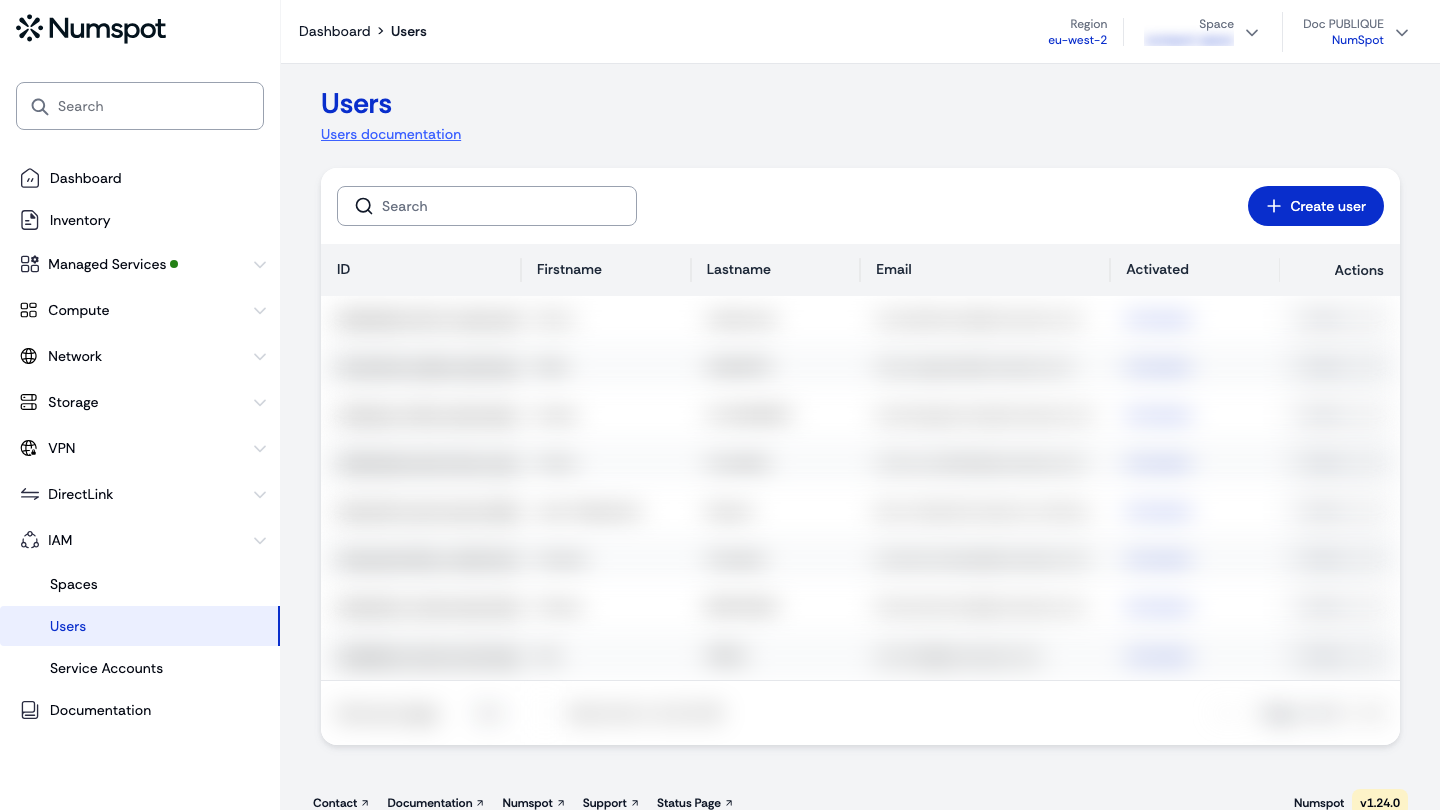
-
In the users table, click the identifier of the user.
tipYou can search for a specific user using the Search field.
-
On the user's "User details" page, click New activation link.
-
Confirm by clicking Send email. The user receives an email containing a new link to reset their password and two-factor authentication.
If the user is logged in, their current session remains active. However, they will no longer be able to sign in with their previous password.
API
Generating an activation link can be done via the API, but the following steps must be carried out by the user in their browser.
Example
curl 'https://api.{region}.numspot.com/iam/organisations/{organisationId}/users/{userId}/recover' \
  --request POST
Response
{
  "link": "https://example.com",
  "code": "…",
  "expiration": "2018-11-13T20:20:39+00:00"
}
See the API usage page for details.
Terraform
The Terraform documentation is available on the Numspot registry ↗.