List the spaces assigned to a user
Reviewed on · View on GitHub
View the spaces a user has access to.
Permissions
info
This action requires the following IAM (Identity and Access Management) permissions:
- iam.user.get
- Console
- API
- Terraform
Console
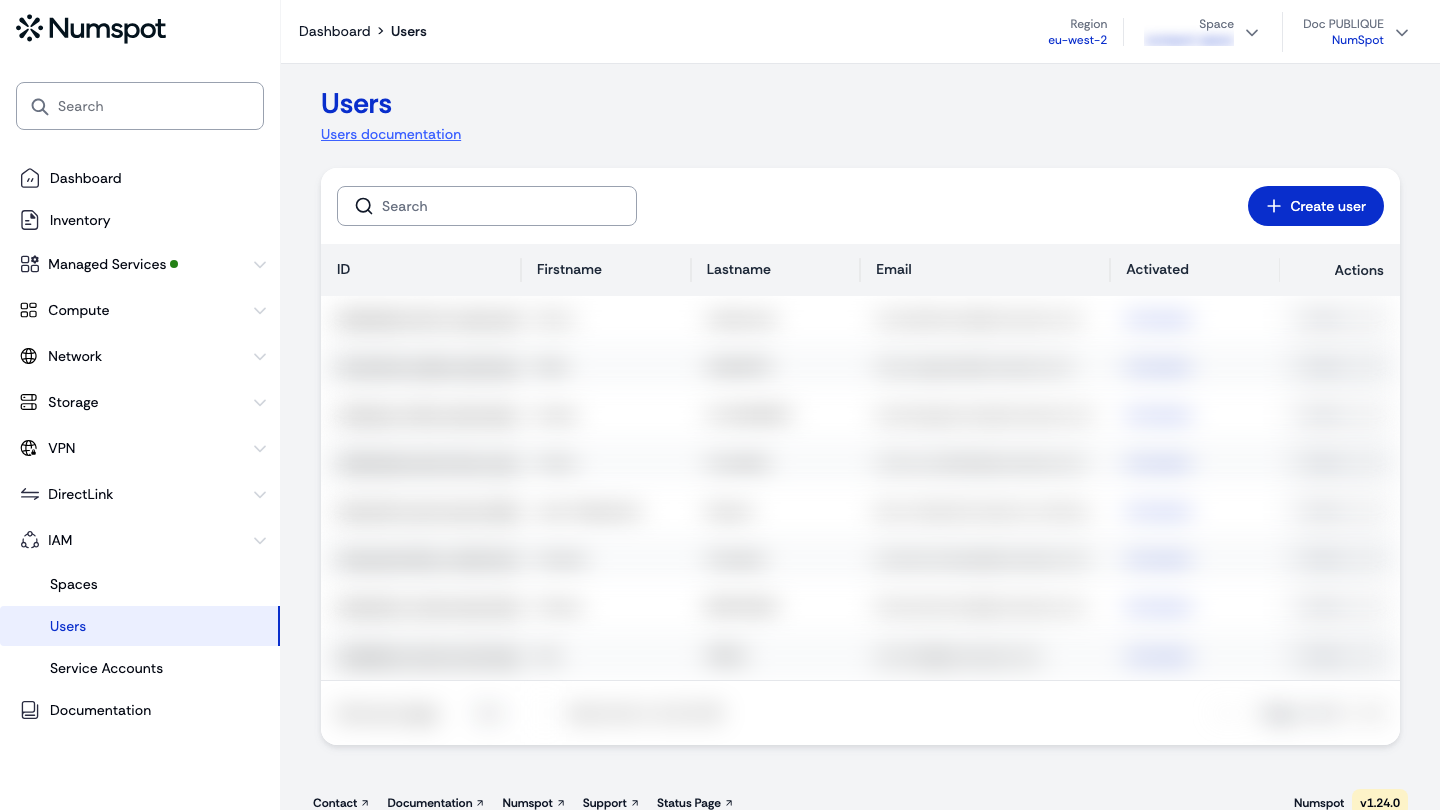
- In the users table, click the identifier of the user whose assigned spaces you want to view.
tip
You can search for a specific user using the Search field.
- On the user's "User details" page, the "Assigned spaces" section lists the spaces the user can access, with the roles and permissions associated with each space.
API
Example
curl 'https://api.{region}.numspot.com/iam/organisations/{organisationId}/users/{userId}/spaces'
Response
{
  "nextPageToken": "eyJhbGciOiJIUzI1NiIsInR5cCI6IkpXVCJ9",
  "totalSize": 150,
  "items": [
    {
      "id": "123e4567-e89b-12d3-a456-426614174000"
    }
  ]
}
info
See the API usage page for details.
Terraform
The Terraform documentation is available on the Numspot registry ↗.