Delete a route
Reviewed on · View on GitHub
You can delete a route that you have created in a route table in order to remove the corresponding routing option for the VM (Virtual Machines) placed in the associated subnets.
You cannot delete the local route.
Permissions
info
This action requires the following IAM (Identity and Access Management) permissions:
- compute.routeTable.update
- Console
- API
- Terraform
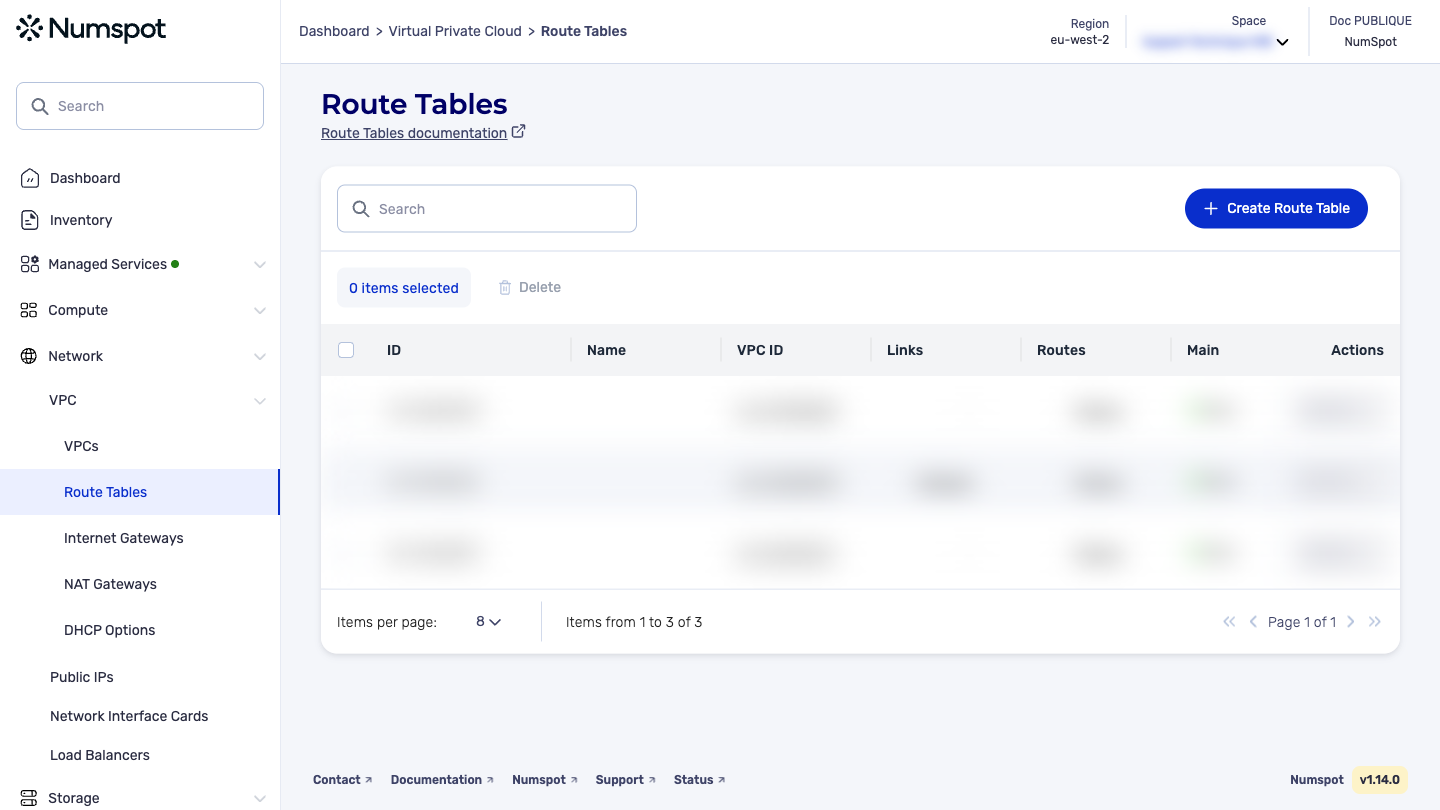
Delete a route from the Numspot console
- From the left-hand side menu, click Network → VPC → Route Table.
- Identify the route table for which you want to create a new route.
- In the relevant row, click the link in the "Routes" column.
- A new dialog box is displayed.
- Click Delete.
- A deletion dialog box appears.
- To continue, a strong confirmation is required. Enter "Delete" in the corresponding field.
- Click Delete.
The route is deleted and the following message appears temporarily:
The DELETE /compute/spaces/{spaceId}/routeTables/{id}/routes command deletes a route from a specified route table.
The Terraform documentation is available on the Numspot registry ↗.