Restart a VM
Reviewed on · View on GitHub
You can restart a running VM (Virtual Machine) if needed, which corresponds to restarting the operating system. During this operation, the VM restarts without following the stop and start process.
Permissions
This action requires the following IAM (Identity and Access Management) permissions:
- compute.vm.update
- Console
- API
- Terraform
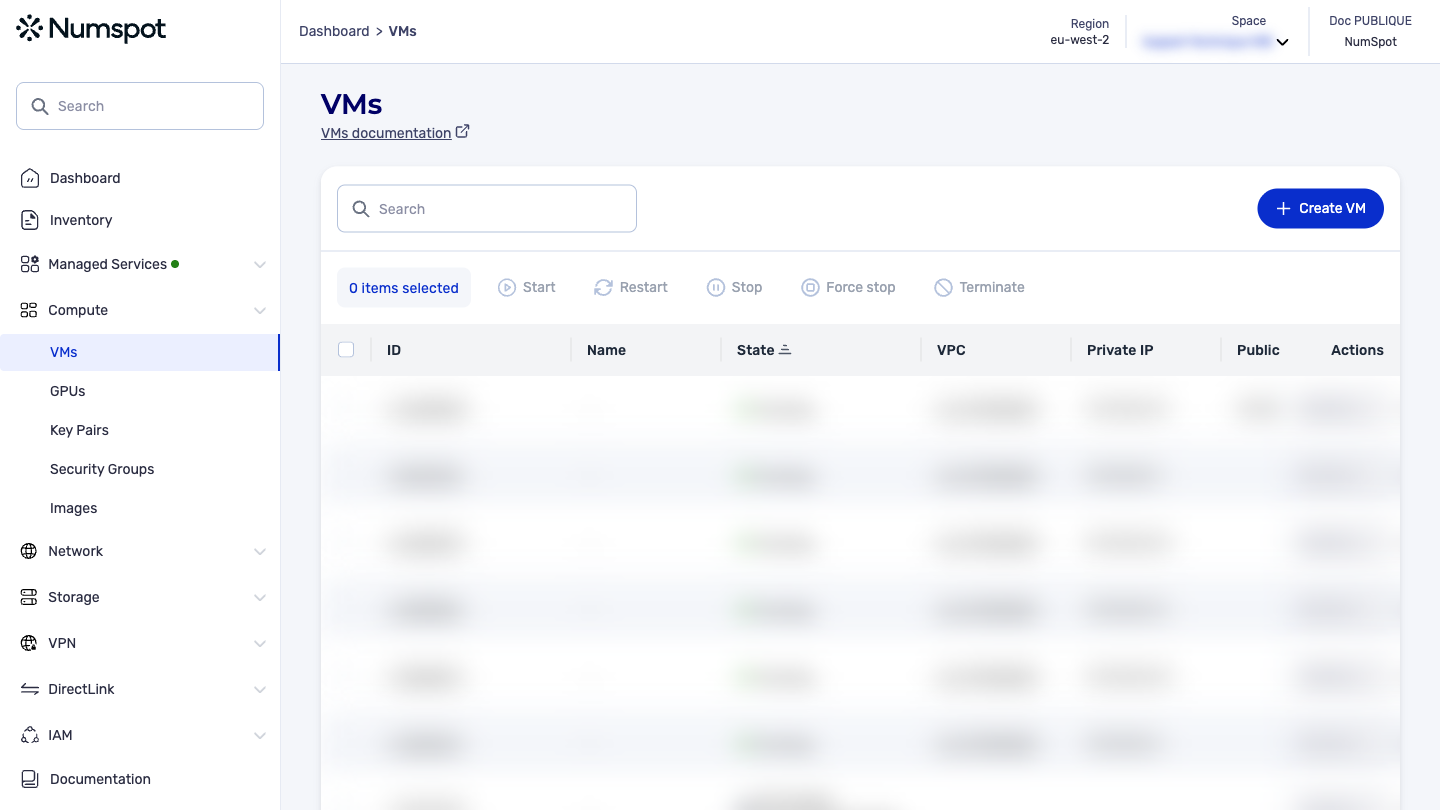
-
From the left-hand side menu, click Compute → VM to access the list of VM.
-
Select the VM you want to restart.
infoMulti-selection is available.
-
Click the Restart button.
-
When prompted to confirm the operation, select Restart.
The selected VM is restarted.
The PUT /compute/spaces/{spaceId}/vms/{id}/reboot command restarts a VM. This operation sends a restart request to a specified VM. It is an asynchronous action that queues this restart request.
The Terraform documentation is available on the Numspot registry ↗.