Delete a PostgreSQL cluster
Reviewed on · View on GitHub
You can delete a PostgreSQL cluster within your space, whatever its status.
Make sure the cluster is not in use before deleting it.
Permissions
This action requires the following IAM (Identity and Access Management) permissions:
- postgresql.cluster.delete
- Console
- API
Console
-
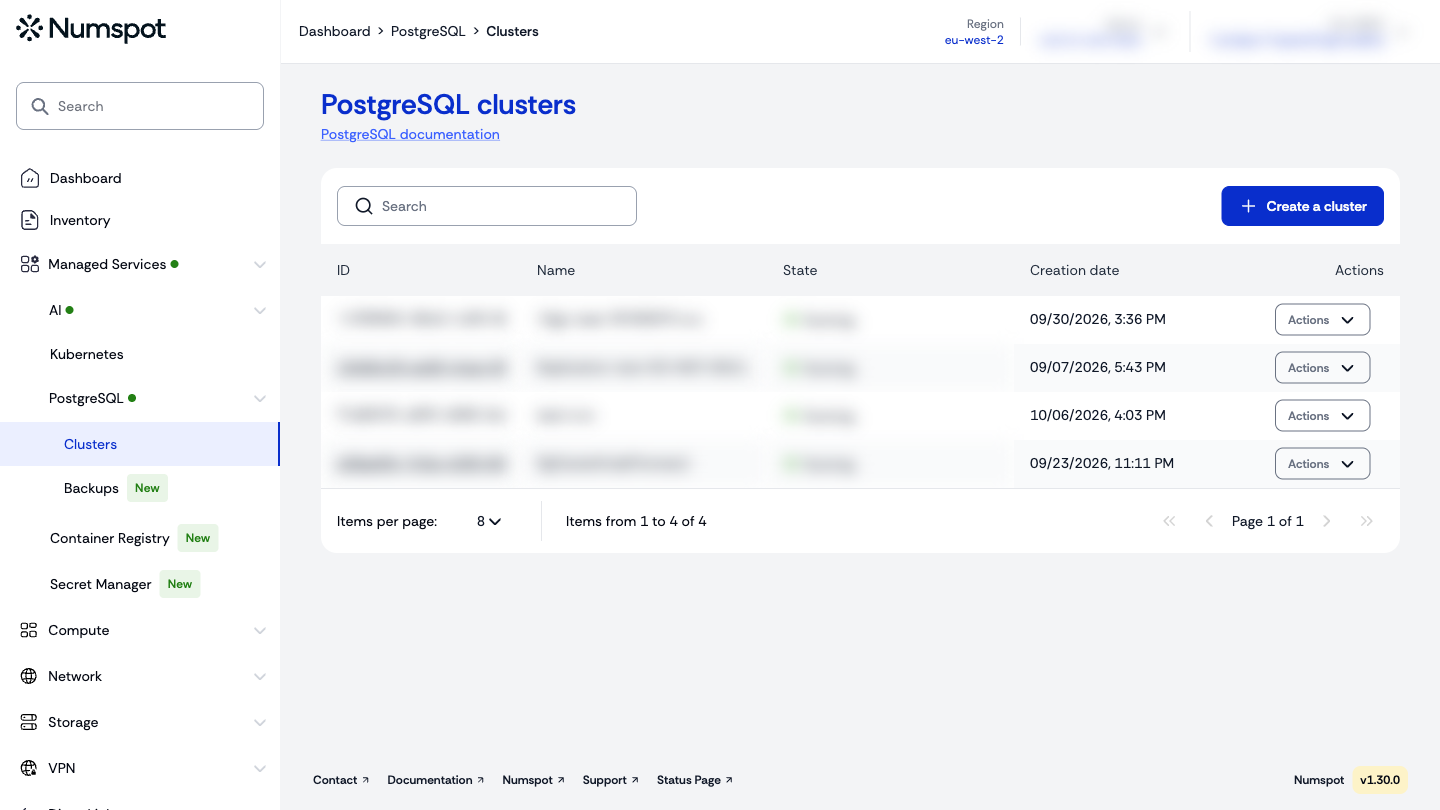
From the left-hand side menu, click Managed Services → PostgreSQL → Clusters to access the list of PostgreSQL clusters.
-
In the list, locate the cluster to delete, click the Actions button on its row, then click Delete.
You can also open the cluster details page, click the ⋮ button at the top right, then click Delete the cluster.
-
In the “Cluster deletion” window, enter the exact name of the cluster in the “Name of cluster” field, then click Delete permanently.
The cluster switches to the “Deleting” status in the list.