Update a space
Reviewed on · View on GitHub
You can update a space's administrative information: its name and its description.
Permissions
info
This action requires the following IAM (Identity and Access Management) permissions:
- iam.role.update
- Console
- API
- Terraform
Console
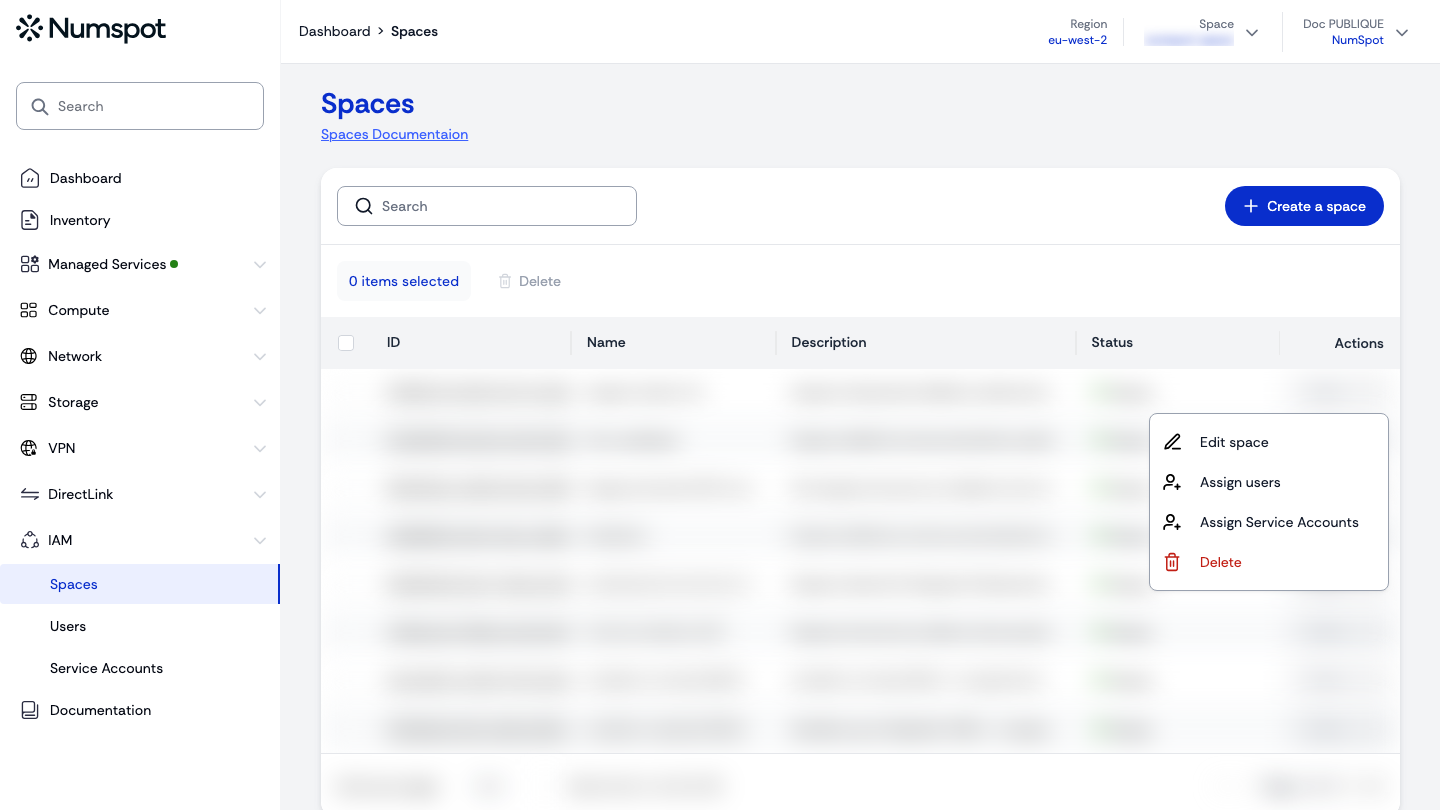
You can update a space from the Spaces page (Actions menu → Edit space). The Actions button also lets you assign users and service accounts to the space.
- From the left-hand side menu, click IAM → Spaces.
- Open the Actions menu of the space to update, then click Edit space.
- Update the space's name and/or description, then click Edit space.
API
Example
curl 'https://api.{region}.numspot.com/organisations/{organisationId}/spaces/{spaceId}' \
  --request PATCH \
  --header 'Content-Type: application/json' \
  --data '{
  "name": "",
  "description": ""
}'
info
See the API usage page for details.
Terraform
The Terraform documentation is available on the Numspot registry ↗.