Delete a service account
Reviewed on · View on GitHub
Permissions
info
This action requires the following IAM (Identity and Access Management) permissions:
- iam.serviceAccount.delete
- Console
- API
- Terraform
Console
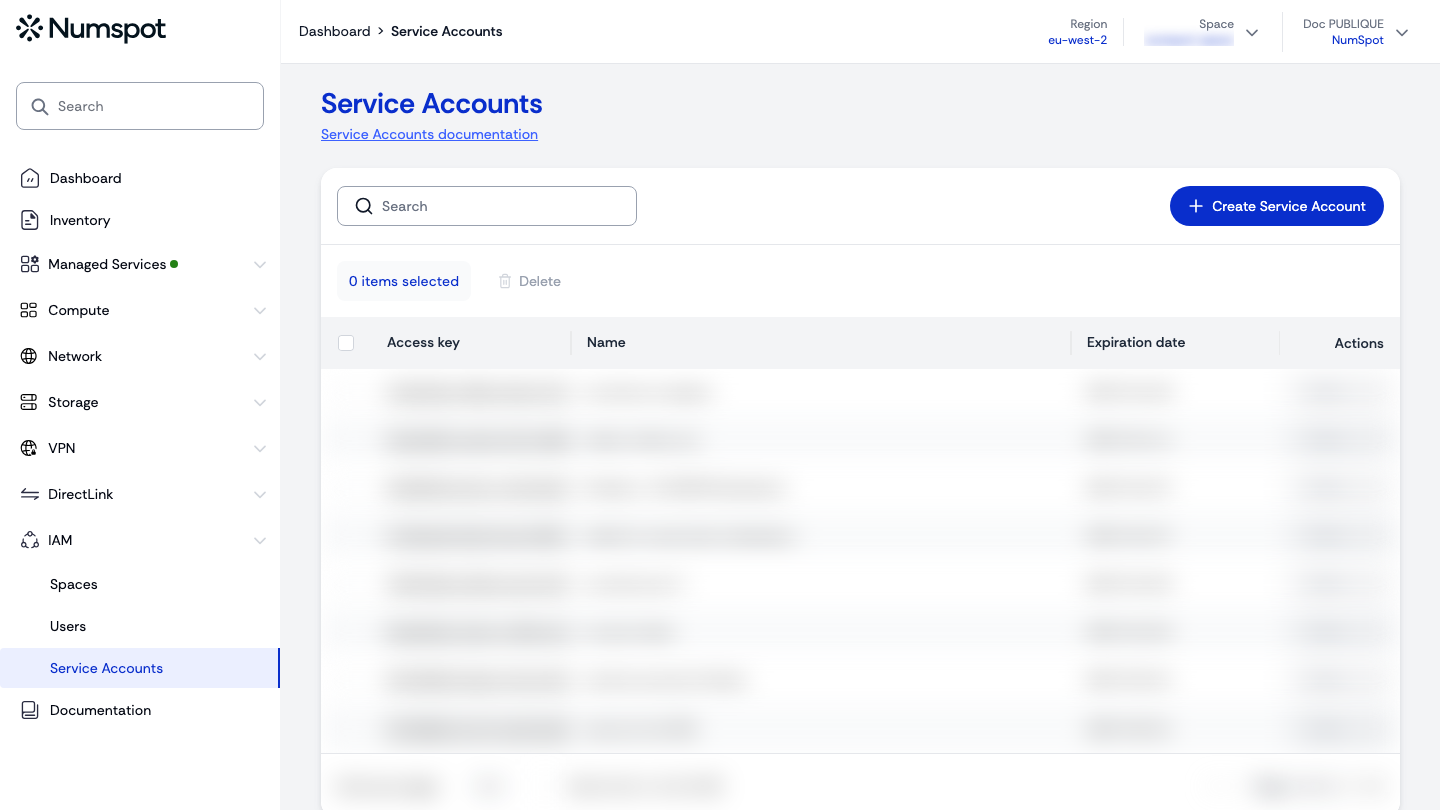
- From the left-hand side menu, click IAM → Service Accounts.
- Open the Actions menu of the relevant service account, then click Delete.
- The "Deleting Service Account" dialog appears. In the "Strong confirmation" field, enter the name of the service account.
- Click the Delete button to confirm the deletion of the service account.
You can also delete the service account from its "Service Account details" page, using the Delete Service Account button at the top right.
note
The deletion is asynchronous: a message confirms that the deletion request has been taken into account, then the service account disappears from the list.
API
Delete a service account in an organisation
curl example
curl 'https://api.{region}.numspot.com/iam/organisations/{organisationId}/serviceAccounts/{serviceAccountId}' \
  --request DELETE
Response
{}
info
See the API usage page for details.
Delete a service account in a space
curl example
curl 'https://api.{region}.numspot.com/iam/spaces/{spaceId}/serviceAccounts/{serviceAccountId}' \
  --request DELETE
Response
{}
info
See the API usage page for details.
Terraform
The Terraform documentation is available on the Numspot registry ↗.