Get the details of a node pool of a Kubernetes cluster
Reviewed on · View on GitHub
Retrieve the details of a node pool of a Kubernetes cluster within your space.
Permissions
info
This action requires the following IAM (Identity and Access Management) permissions:
- kubernetes.cluster.get
- Console
- API
Console
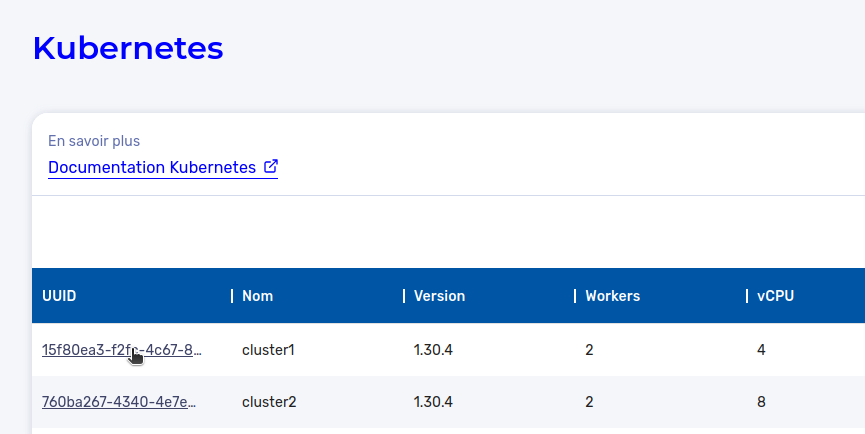
- From the left-hand side menu, click Managed Services → Kubernetes to access the list of Kubernetes clusters.

-
Click the ID of the cluster containing the node pool whose details you want to view.
-
The information for each node pool appears in the Node pools section of the cluster details page.
You will find the following information there for each node pool:
- ID: unique identifier of the node pool;
- Status: current state of the node pool;
- Availability Zone: zone in which the node pool is deployed;
- Node type: profile of the nodes of the node pool;
- System volume: type and size of the system volume;
- Number of nodes: number of active nodes in the node pool.
API
Use the GET /kubernetes/spaces/{spaceId}/clusters/{clusterId}/nodePools/{nodePoolId} route to get the information of a node pool of a managed Kubernetes cluster.
Example response
{
  "id": "nodepool-001-e29b-41d4-a716",
  "name": "worker-nodepool-1",
  "availabilityZone": "eu-west-2a",
  "nodeProfile": "medium",
  "replicas": 3,
  "rootDisk": {
    "size": 50,
    "iops": 3000,
    "type": "enterprise"
  },
  "status": {
    "state": "RUNNING",
    "message": "NodePool is healthy"
  }
}