Delete a load balancer
Reviewed on · View on GitHub
You can delete a load balancer that you no longer need.
Permissions
info
This action requires the following IAM (Identity and Access Management) permissions:
- compute.loadBalancer.delete
- Console
- API
- Terraform
Console
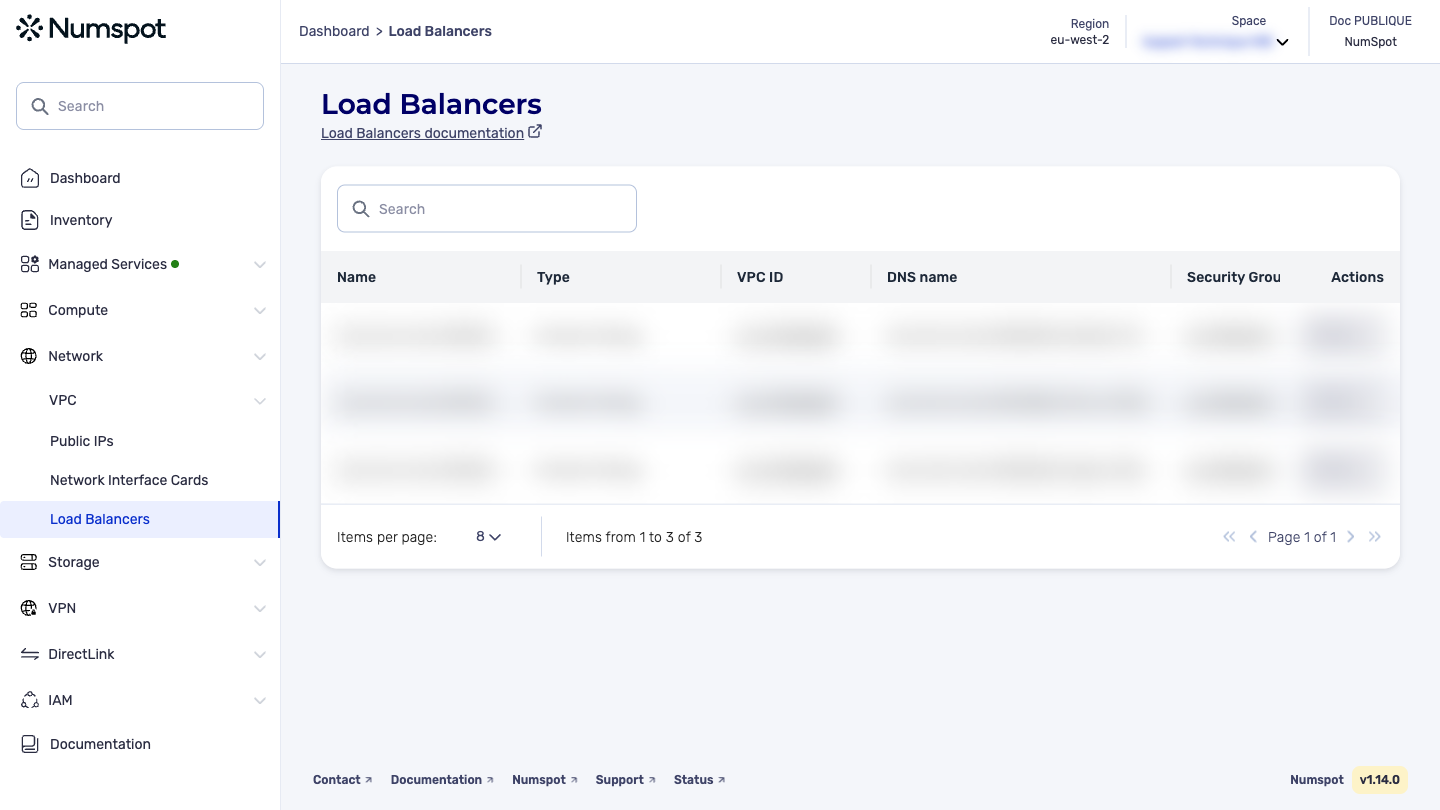
- From the left-hand side menu, click Network → Load Balancers to access the list of load balancers.
- Click the name of the load balancer you want to delete.
- Click Delete in the list of actions.
- Confirm the deletion.
The load balancer is deleted.
API
info
Before you begin: Ensure that the security groups of your backend VM (Virtual Machine) allow traffic from a source other than the load balancer.
The DELETE /compute/spaces/{spaceId}/loadBalancers/{id} command deletes a specified load balancer.
Terraform
The Terraform documentation is available on the Numspot registry ↗.